
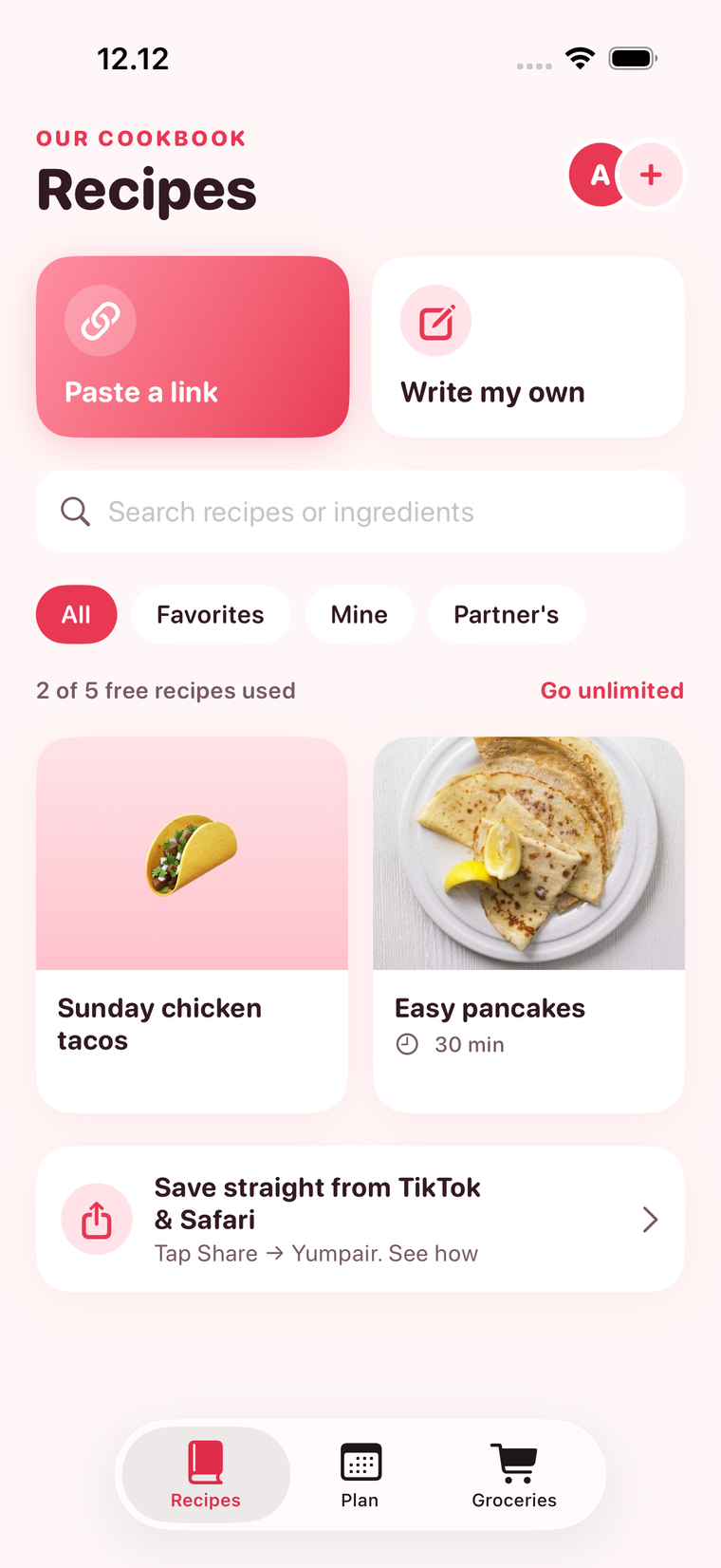
Most people's recipes live in five places at once: browser bookmarks, screenshots, social media saves, cookbooks and a few handwritten cards. Here's how to get them into one place.
1. Gather the ones you actually cook
Don't import everything. Start with the 10 to 20 recipes you make again and again.
2. Save links, not screenshots
A screenshot can't be searched and doesn't have the full method. A saved link with the ingredients pulled in can.
3. Write down the family recipes
Type up the handwritten ones while you still remember the "a pinch more than that" details.
4. Use favourites, not folders
Folders sound tidy but turn into a sorting job. Search plus favourites is faster.
In Yumpair
Yumpair imports recipes from most websites with one link, lets you write your own, and has search plus filters for Favorites, Mine and Partner's. Your partner's saves appear in the same cookbook.