
Saving a recipe on TikTok is easy. Finding it three weeks later, when you're standing in the kitchen, is not.
Option 1: TikTok Favorites
Tap the bookmark icon on a video and it goes to Profile → Favorites. You can make collections, like "Dinners" or "Baking". The catch: the recipe lives inside a video, so you scrub back and forth to read the quantities.
Option 2: write it down while you watch
Pause the video and type the ingredients into a note. It's slow, but it's the only way to get a list you can shop from.
Option 3: save it to a recipe app
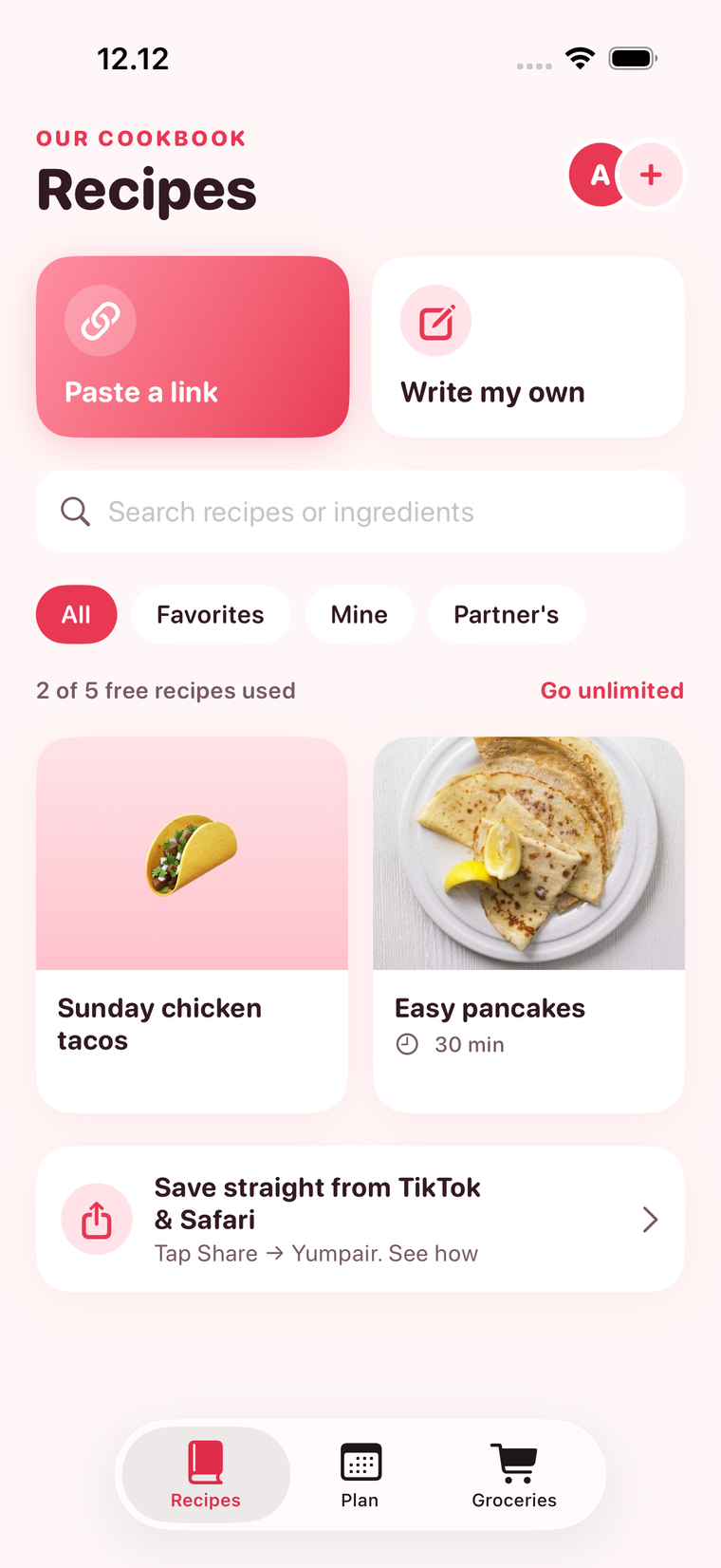
In Yumpair, tap Share → Yumpair on the TikTok video, or copy the link and tap Paste a link. Yumpair saves the post's title, photo and link in your cookbook, next to the rest of your recipes. Add the ingredients once, and from then on you can send them to your grocery list in a tap.
Tip: check the caption and comments
Many creators put the full recipe in the caption, a pinned comment, or on a linked blog. If there's a blog link, save that instead: Yumpair imports the complete ingredients and steps from most recipe websites.
FAQ
Can I save TikTok recipes without the app?
Yes. Use the bookmark icon to add them to your TikTok Favorites. It works, but the recipe stays inside the video, so it's harder to cook and shop from.